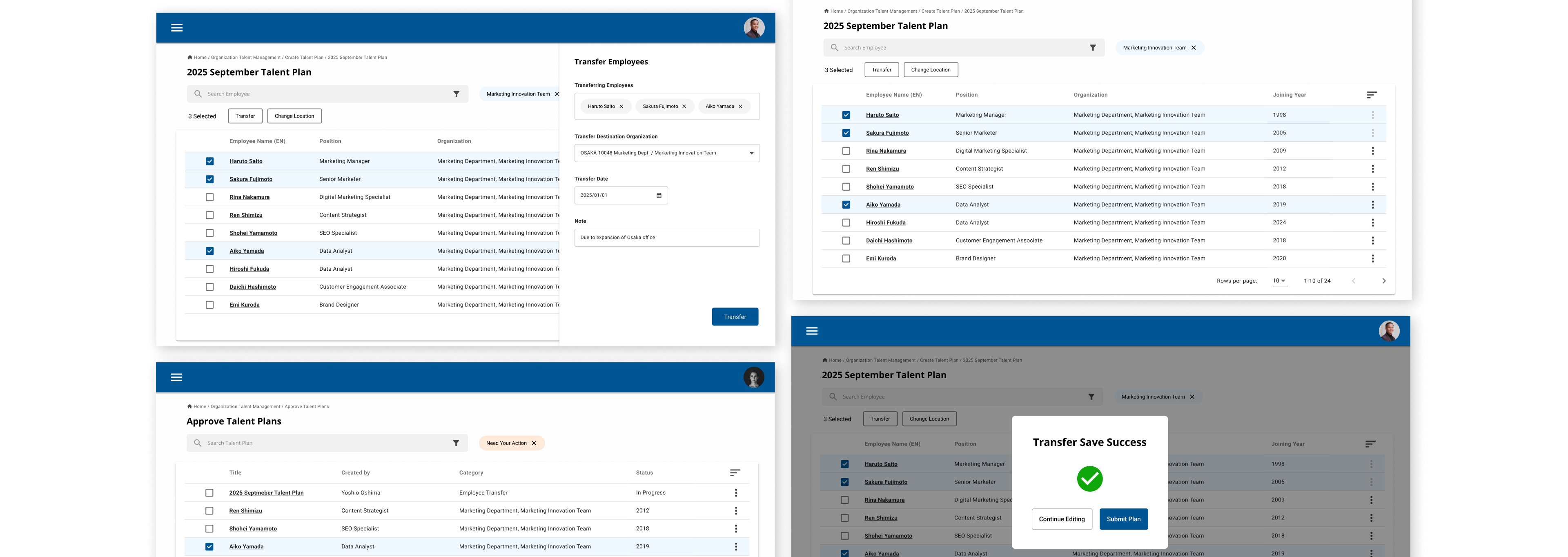
.png)
Updating Design System for
1 Design manager
Stakeholders (Project owner, engineers)
Greenstand is a non-profit that develops the app that tracks tree planting & tracking effort
Greenstand is a nonprofit that builds open source technology to support transparent reforestation and reduce poverty. The platform enables people in developing regions to earn income by growing and monitoring trees.
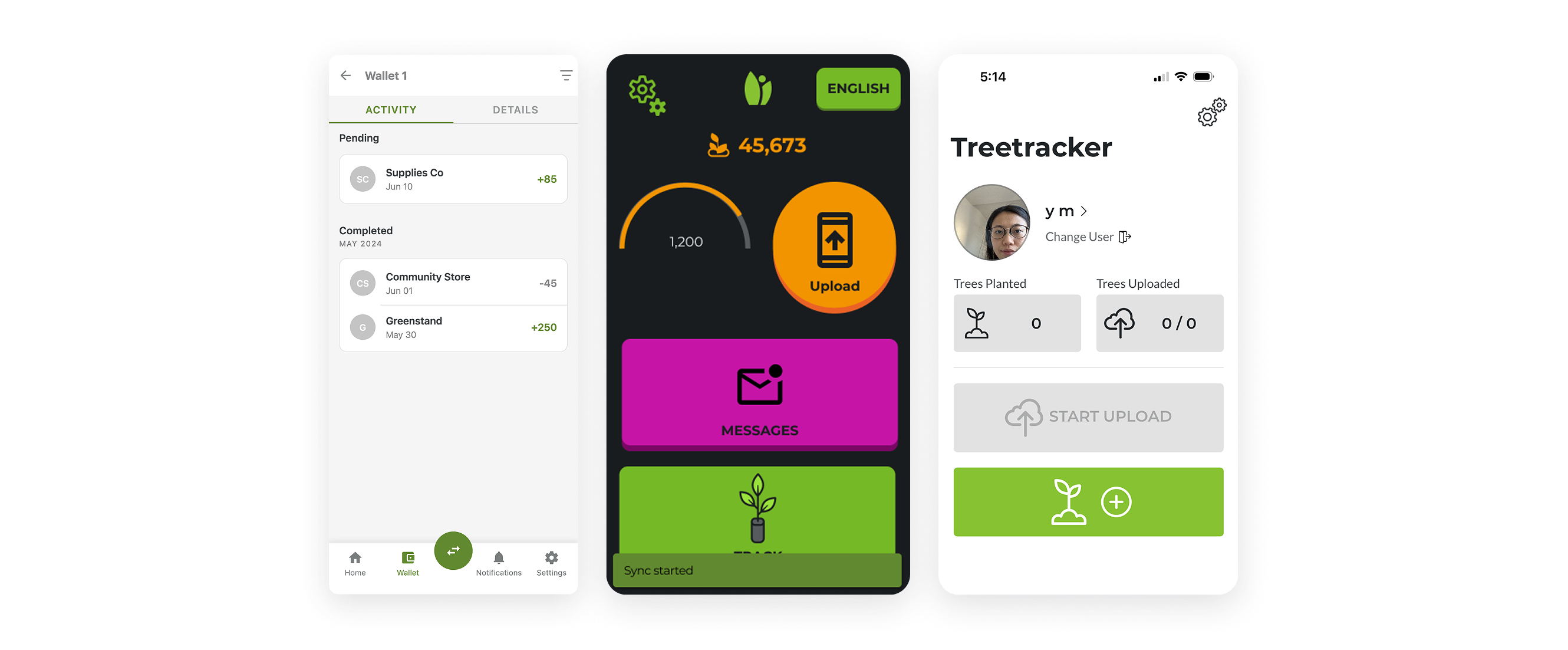
Design system was not implemented with the challenge of securing voluneteer resources
The organization is supported by very limited volunteers, who come and go. While we had Figma design system, we did not have a resource to implement. The design, such as colors are often hardcoded, which makes it difficult to scale or update. There are the underlying problems in the current design system that made it difficult to hand off.
Weak token system
Lack of seamless handoff
Hardcoded design
Make the design system easier to use across the team despite limited volunteer resources
The goal is to improve Figma-based design system easy to translate into code and find a way to accerelate design-to-code translation
What success look like
- Faster design to code implementation
- Faster design system update & reflection
Improve and simplify the design tokens and translate that to code with the help of tools, plugins and AI
As a former engineer, I saw an opportunity in improving and introducing the design token system as the key to translate design into code and bridging the design to code effectively, especially using AI agents like Cursor, Codex.
Structured token system
Efficient design to code translation flow
Untangling what made design
I started from the design system audit, especially focusing on the design tokens. I identify the .
Too many colors
Dependency with external template
No proper token layering and aileasing
Low-contrast palette
Including primary color failrure
Figma missetting
aa
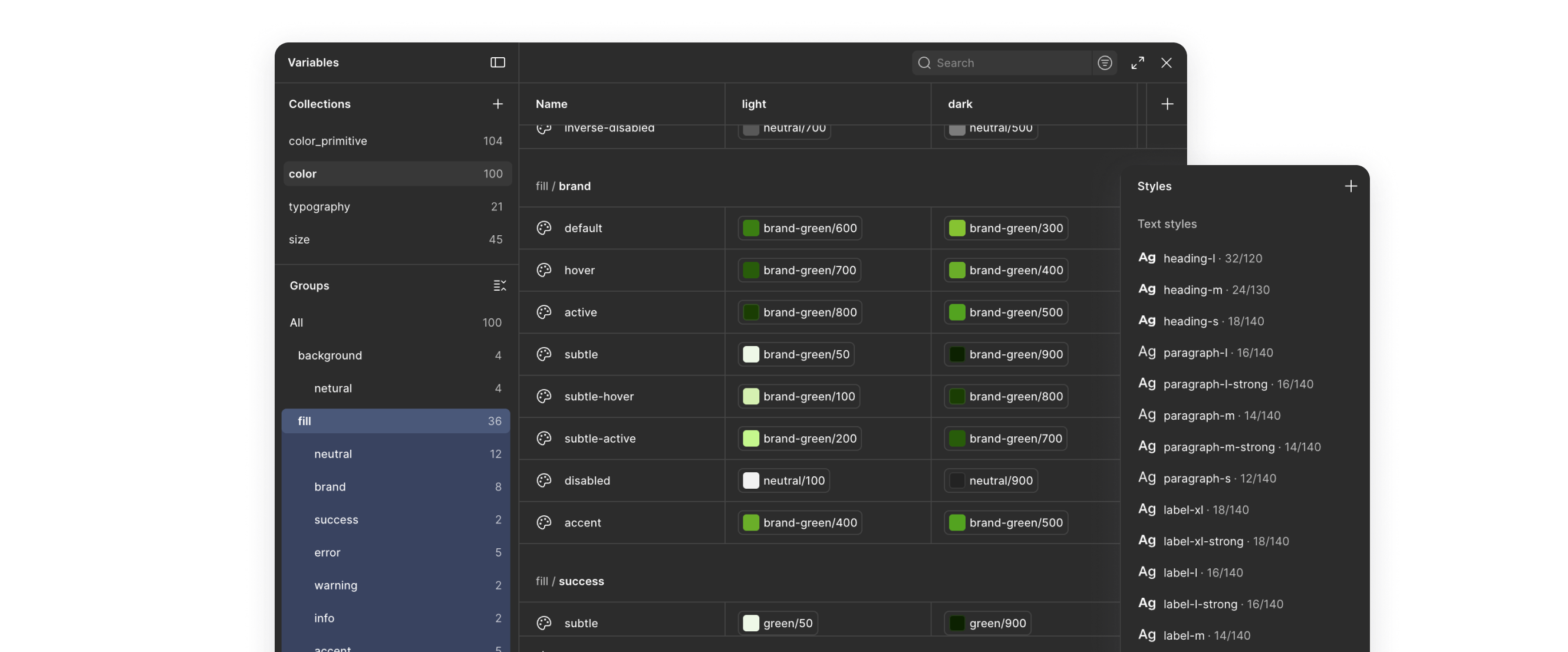
I updated the design system.
- Simplified the unused color, improved the contrast
- Introduced token layering system
- Tokenized typography too
- Also created the components
- Show the screenshot or diagram of the structure Figma setting?
aa
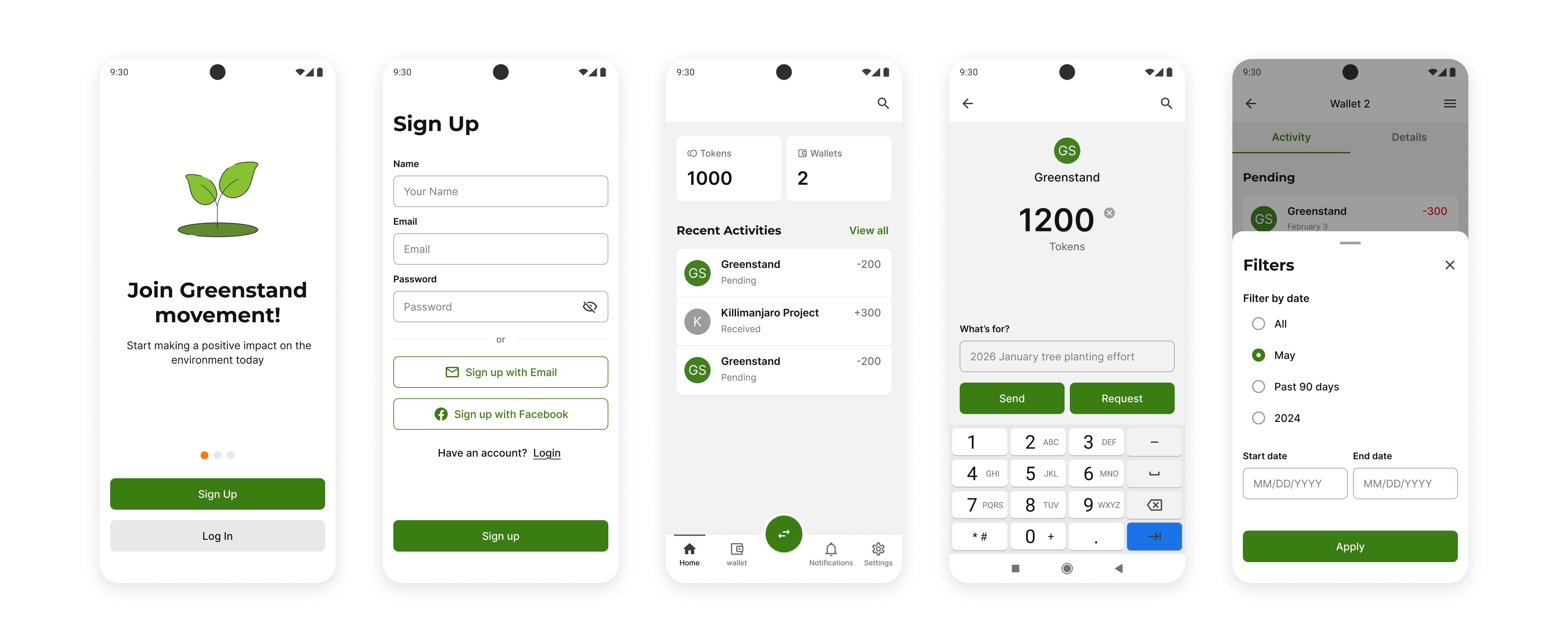
To test the updated design, I cloned the existing design screen and applied the design and adjusted the token and fixed the detail.
aa
After organizing, I explore some options (REST API, JSON-Style dictionary, AI).
talk about the pros and cons. I also talked to engineers about whats good way, getting insishgt that thing that need a lot of set up might not be feasible for our volunteer settings.
- I will try direct fetching of design system
- Show how it can be easy to vibecode??? not sure
aa
aaa
good if i can show how i could vibecoded well
aa
I created the guideline using zeroheight to define the .
aa
I collabborated with engineers to
aa
- simplified the design system (about half token)
- make the design system easy to fetch and sync to
Prepare to scale and apply
The organization is planning to have a major update in design. We are preparing to adopt the structured t
Design system was difficult to hand off due to the challenge of securing voluneteer resources to implement
The organization is supported by volunteers who come and go. While we had design system, we did not have a resource to implement. There are the underlying problems in the current design system that made it difficult to hand off.
System
Hardcoded design
Developing complex HR features without designers
Our team built custom ERP add-ons for a 20K-employee client to manage complex HR workflows. Since we didn’t have designers, solution consultants handled specifications. However, design was not well understood and was considered a relatively low priority.


Inefficient design process slowed the project
We designed for a client’s complex internal workflow involving multiple user roles, many steps, numerous exceptional business rules, and client-specific jargon, which made the project especially challenging.


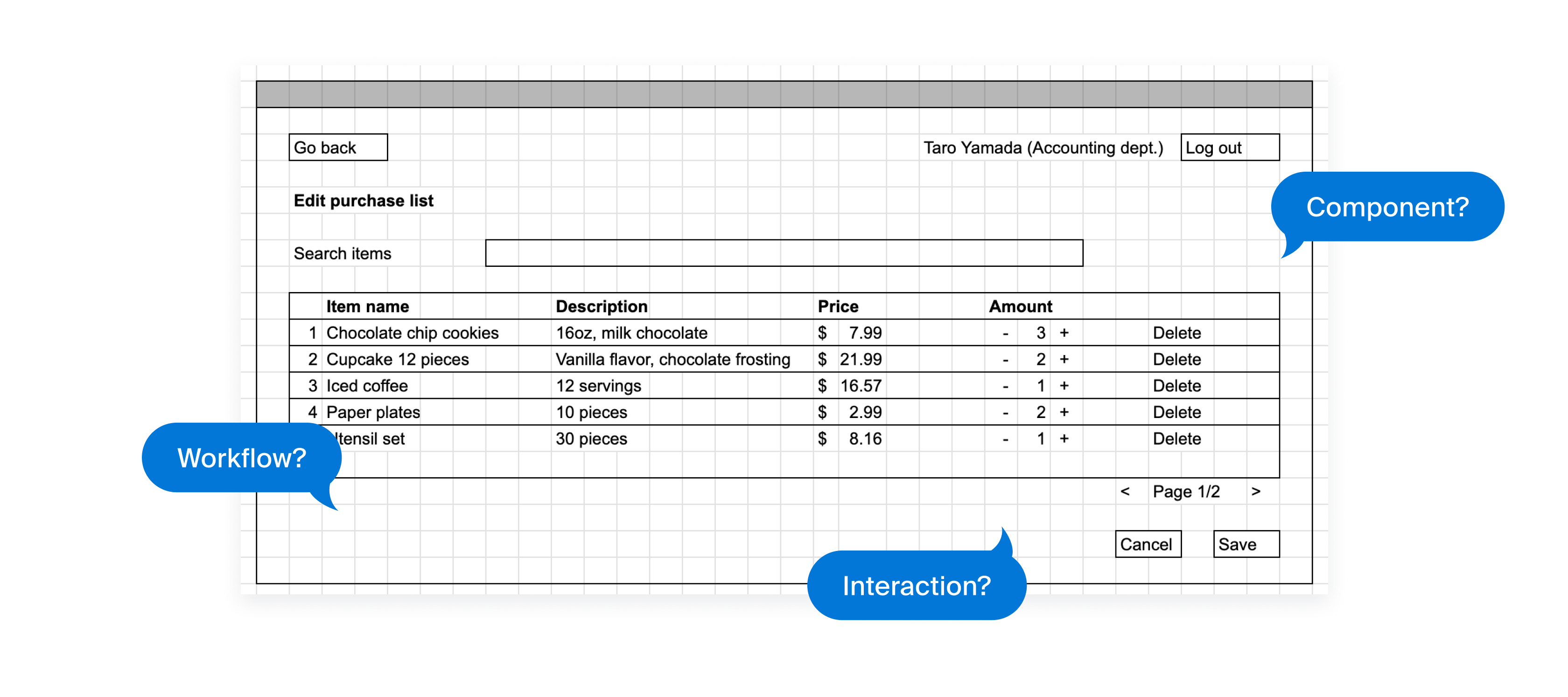
Confusing spreadsheet-based specification documents
We used spreadsheets to manage specifications, which often led to misunderstandings, extra work, and excessive communication around details like components to use, interaction and workflow.
Feasibility issue found, taking time for redesign and approval
Because we used a component library, development feasibility and effort largely depended on the components available. Engineers could suggest improvements, but often too late in the process, requiring solution consultants to go back to clients for confirmation.

Enable a non-design team to design intuitive, feasible features that address client needs more efficiently
Explored how to leverage design thinking for the team
As an engineer with a passion for design, I took on the challenge of solving this problem using design thinking. Due to project constraints, I needed to adapt the approach rather than follow every step. I discussed with the team to gather insights on what could improve efficiency the most and defined 3 key focus areas.
Visualize workflow
Document spec better
Fix early in the process
Here is our new design process
Based on the new strategy, I updated the design process. Here’s what the revised process looks like.

Added workflow mapping step before design
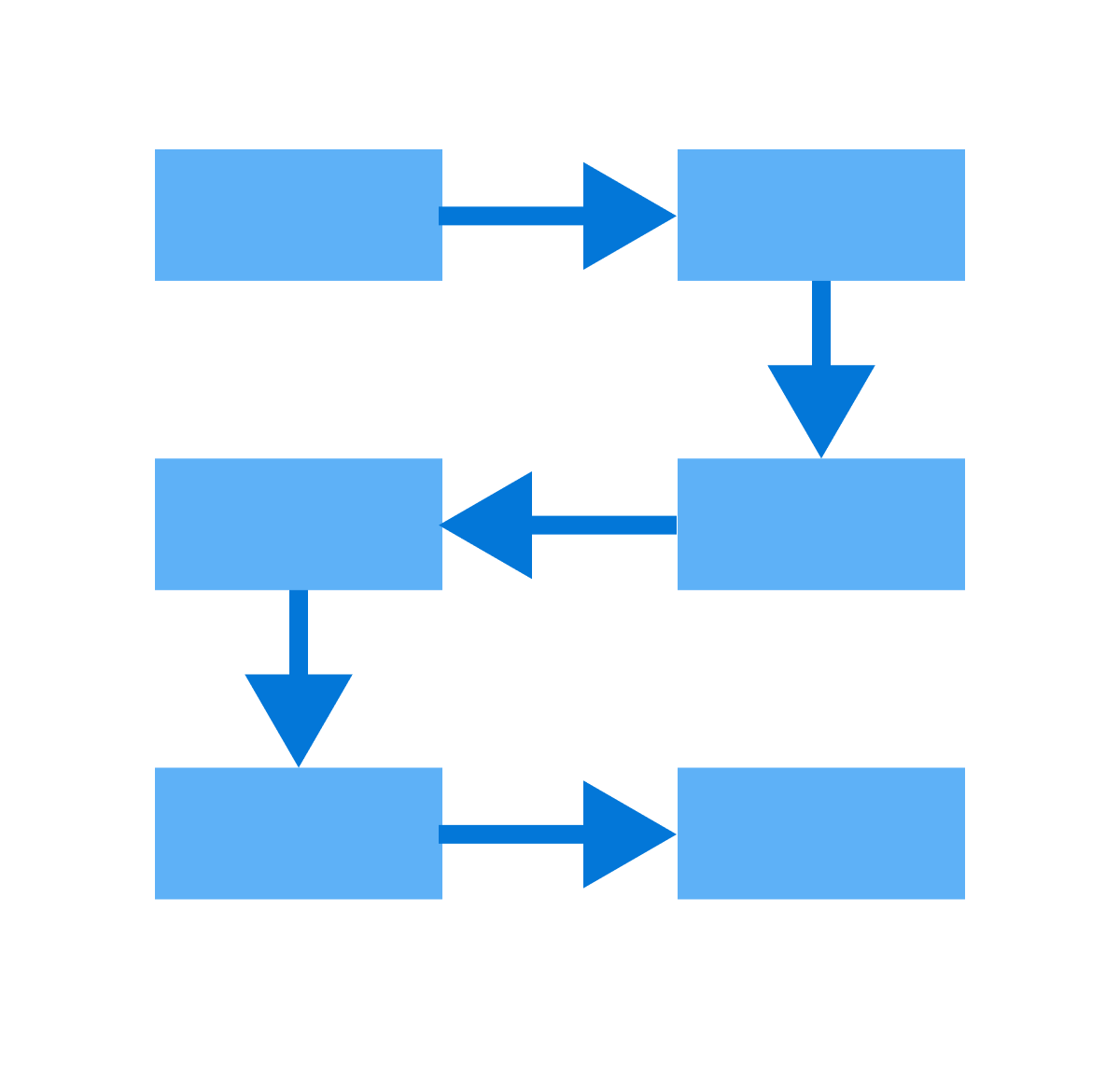
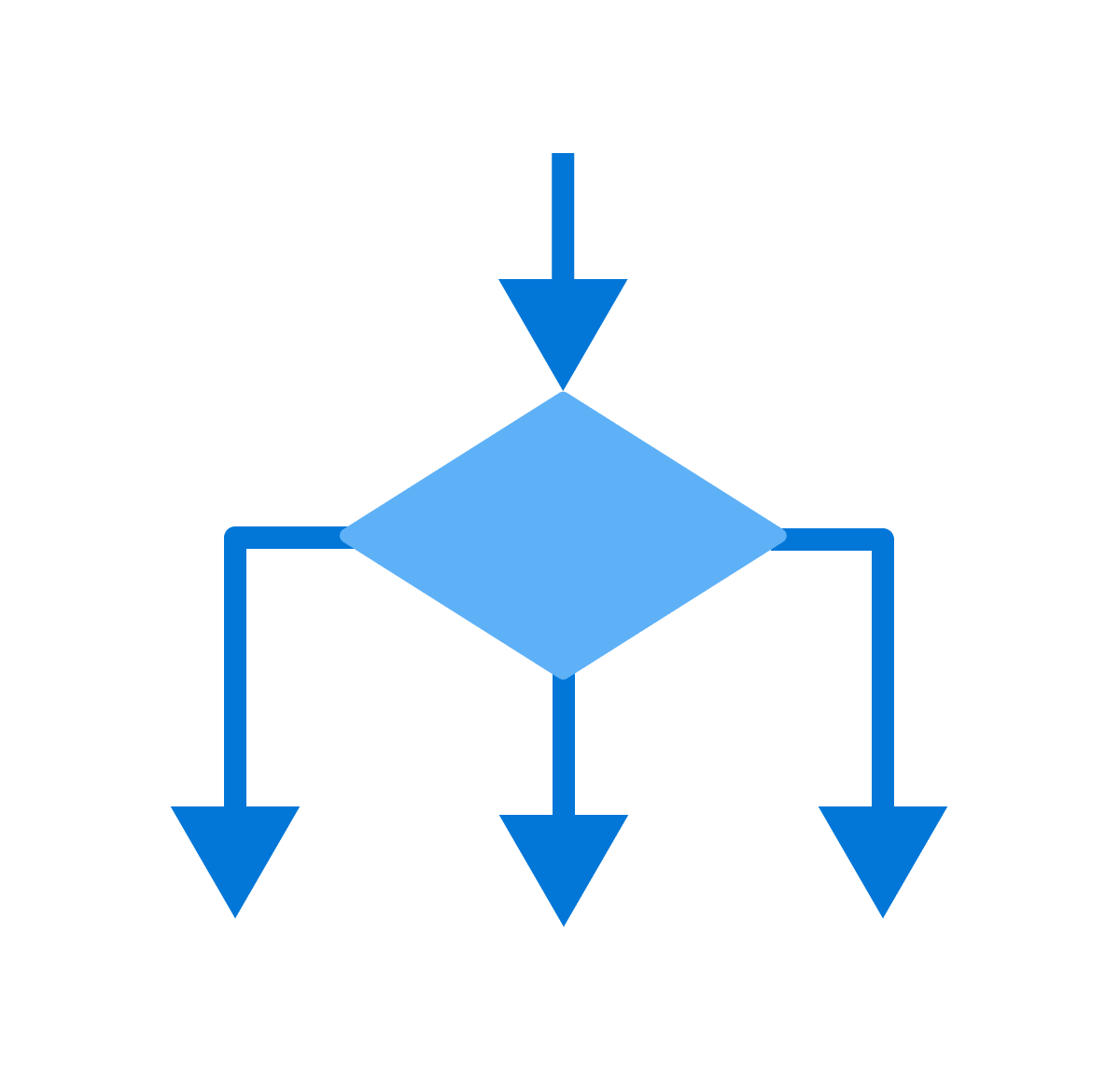
Mapping the current and ideal workflows made it easier for clients and our team to align on the target flow. I researched common flowchart documentation methods and tools, adopted draw.io, and established a consistent format with simple flowchart rules.
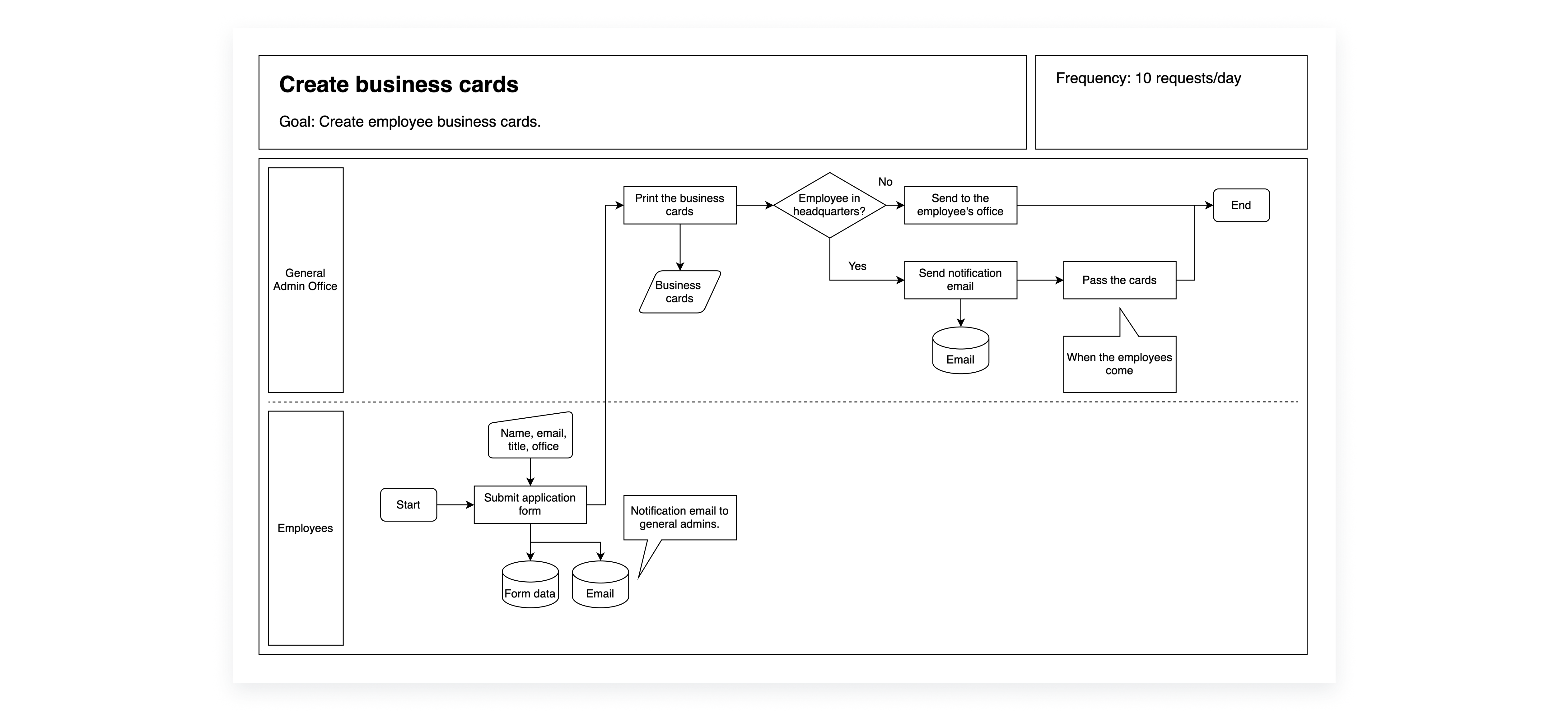
I evaluated draw.io and Mermaid, focusing on how easily the team could learn and use the tool, and decided on draw.io.


Introduced prototyping and detailed specification documentation
I replaced the spreadsheet-based wireframes with Figma prototypes. Because the workflow we managed was highly complex, using Figma alone wasn’t enough to fully capture how the features should function. To address this, we complemented the prototypes with a text-based specification document that mapped the client’s requirements to the functionality of our add-on features.
.png)
.png)
Since our team didn’t have dedicated designers, I focused on simplifying design tasks to make the new process practical and sustainable. I leveraged existing frameworks and resources, and shared design knowledge through presentations and documentation.

Used Material Design

Adopted UI kit
Shared knowledge
Encouraged cross-functional discussions on feature design with engineers
I set up internal meetings before sharing designs with clients to ensure feasibility. These sessions provided opportunities for engineers to share technical limitations and for solution consultants to contribute their understanding of client workflows and requirements.
Pilot testing confirmed the new process works
During pilot testing, we applied the new development process to design several new features, reducing communication time between developers and consultants by about 30 minutes per ticket. I left the company to pursue my master’s but would have continued improving and evaluating the process if I had stayed.
I am curious how AI can even enhance the process
I learned how to make the design process practical and sustainable for a team of non-designers by leveraging existing frameworks, resources, and sharing design knowledge. This project took place in 2023, and if I were to revisit it today, I would explore incorporating AI tools to accelerate and enhance the process.

